
Get in touch

The texts that start your day, and what happens next.

Every agency gets these messages. Each one below comes with a recording of the Pairing screen that answers it. The agency and people are made up; the app is real.

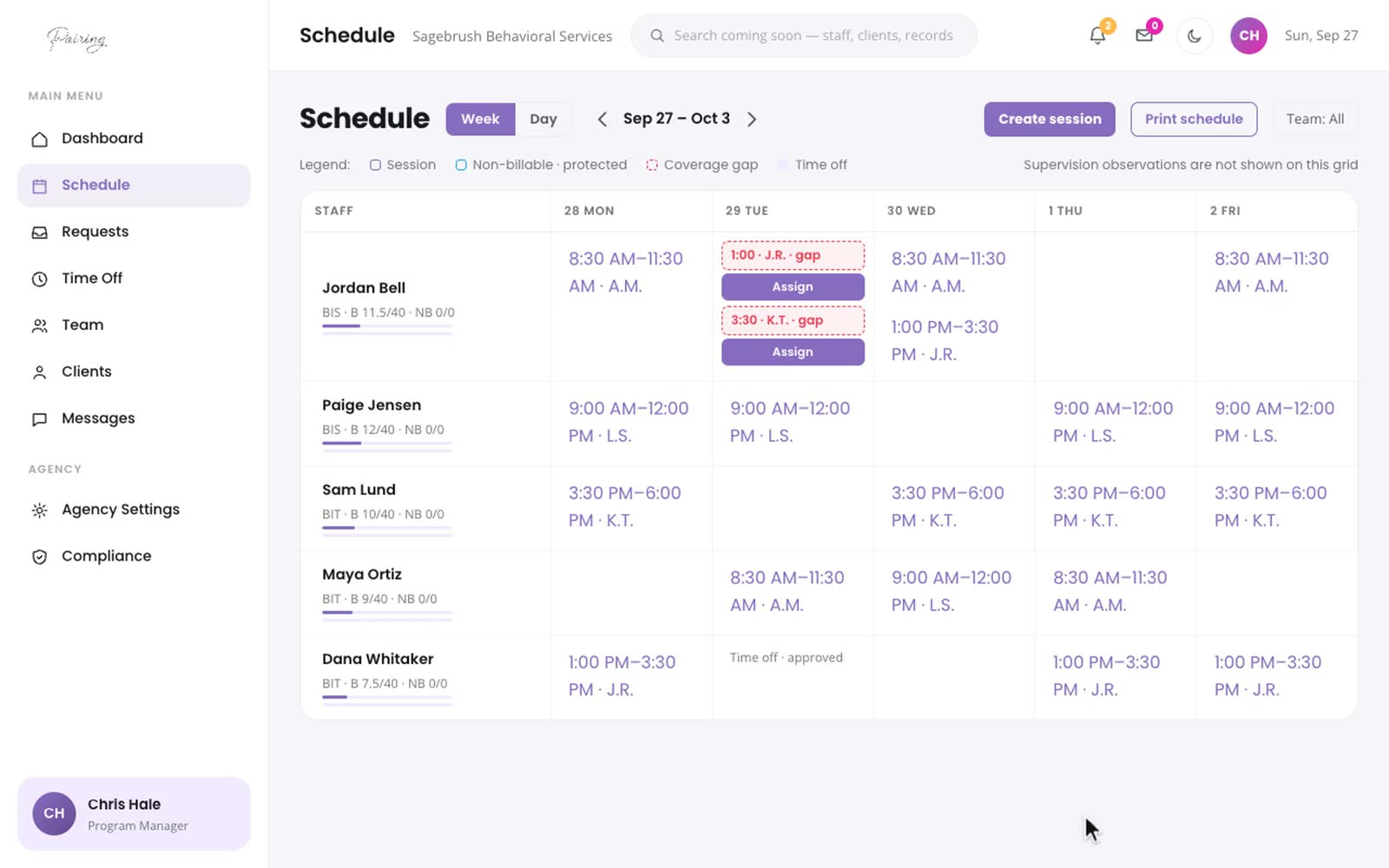
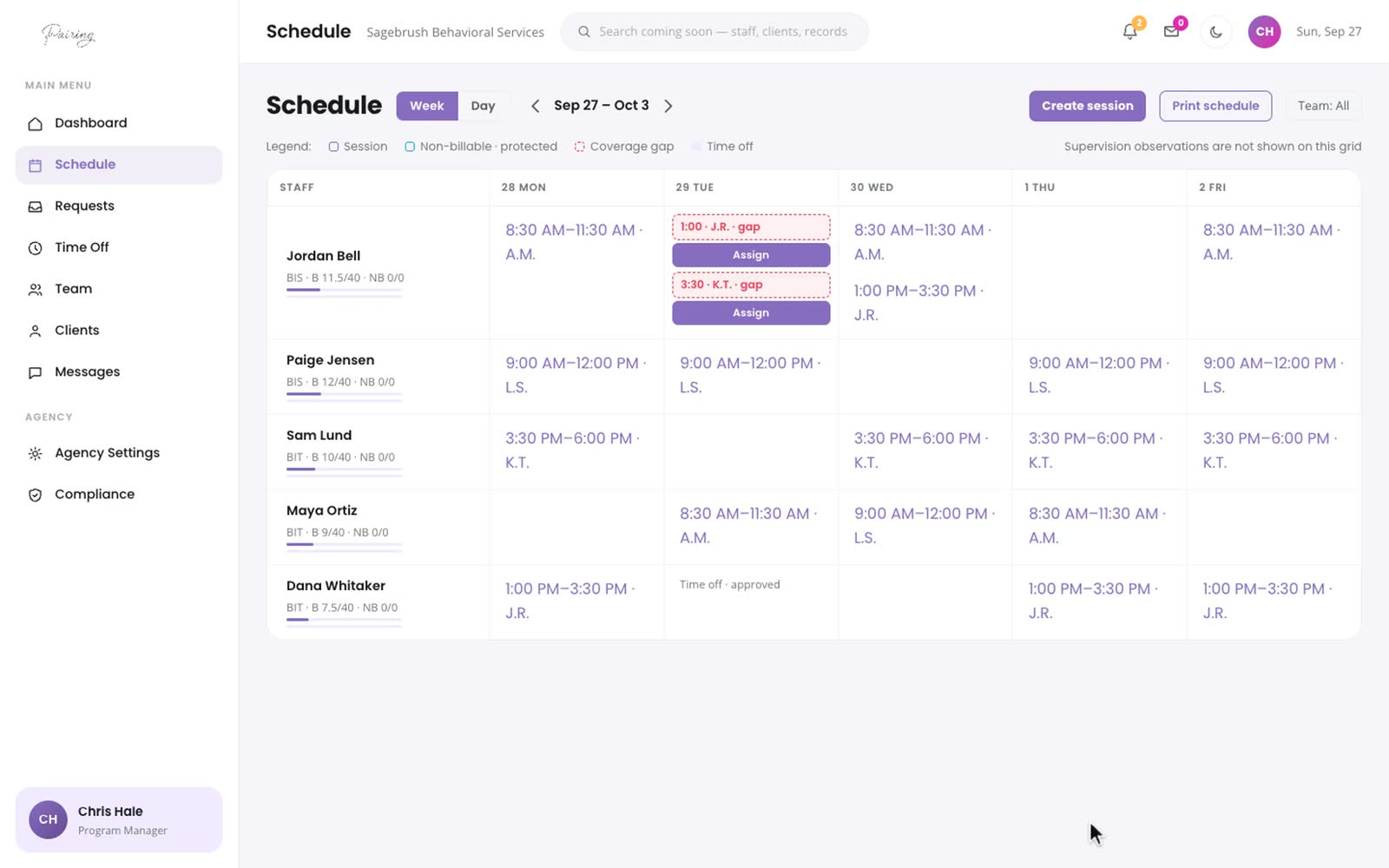
Dana · Tuesday 6:52 AMWoke up with a fever. I can't make it today, I'm so sorry.

Two sessions went red at 6:52. Cover them before the first family texts you.

Open each red session, choose a BI from the suggestions, and answer the PST question for a first pairing. The week updates for everyone.
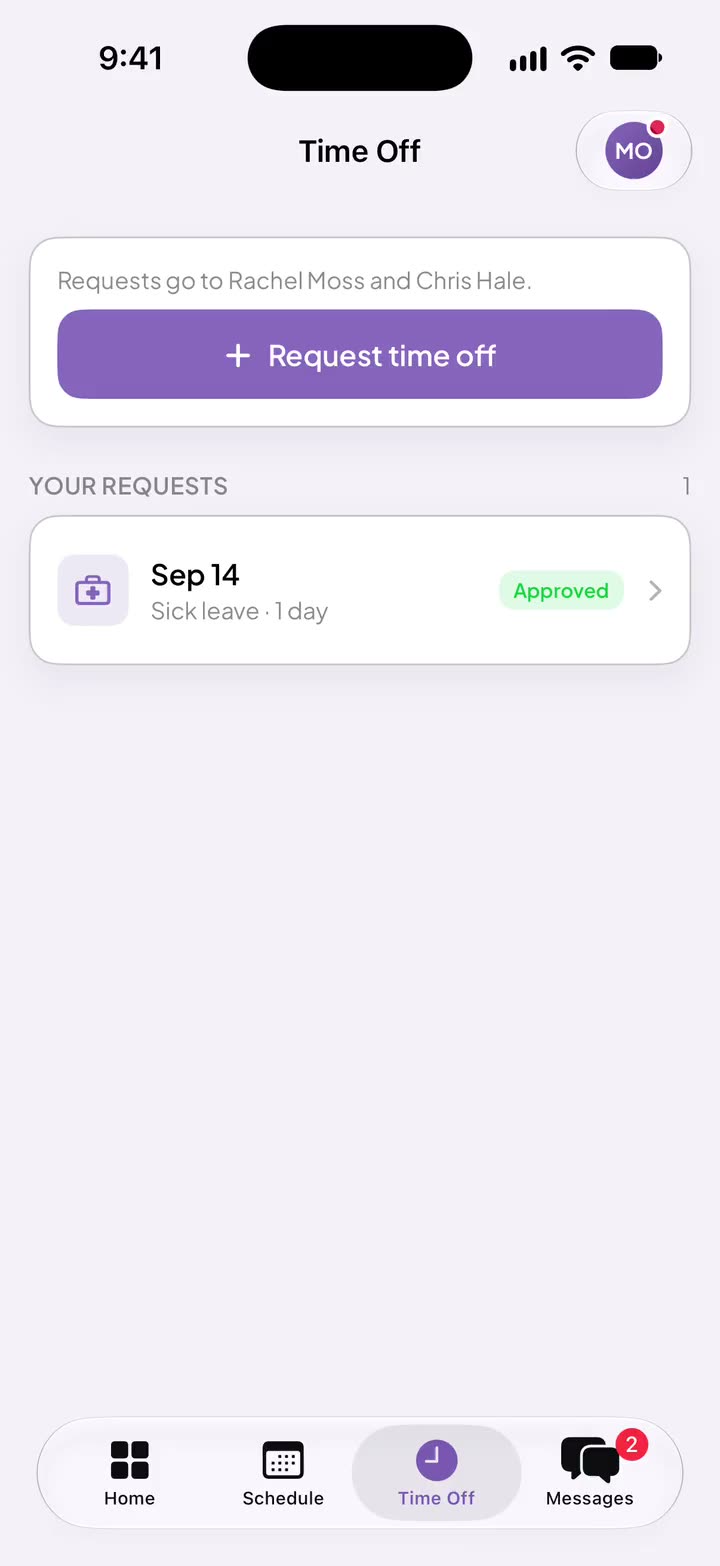
Maya · Monday 4:12 PMCan I take Friday off? Family thing.

She asks from her phone.

Dates, a reason, and who she checked with. It lands in your time-off queue.

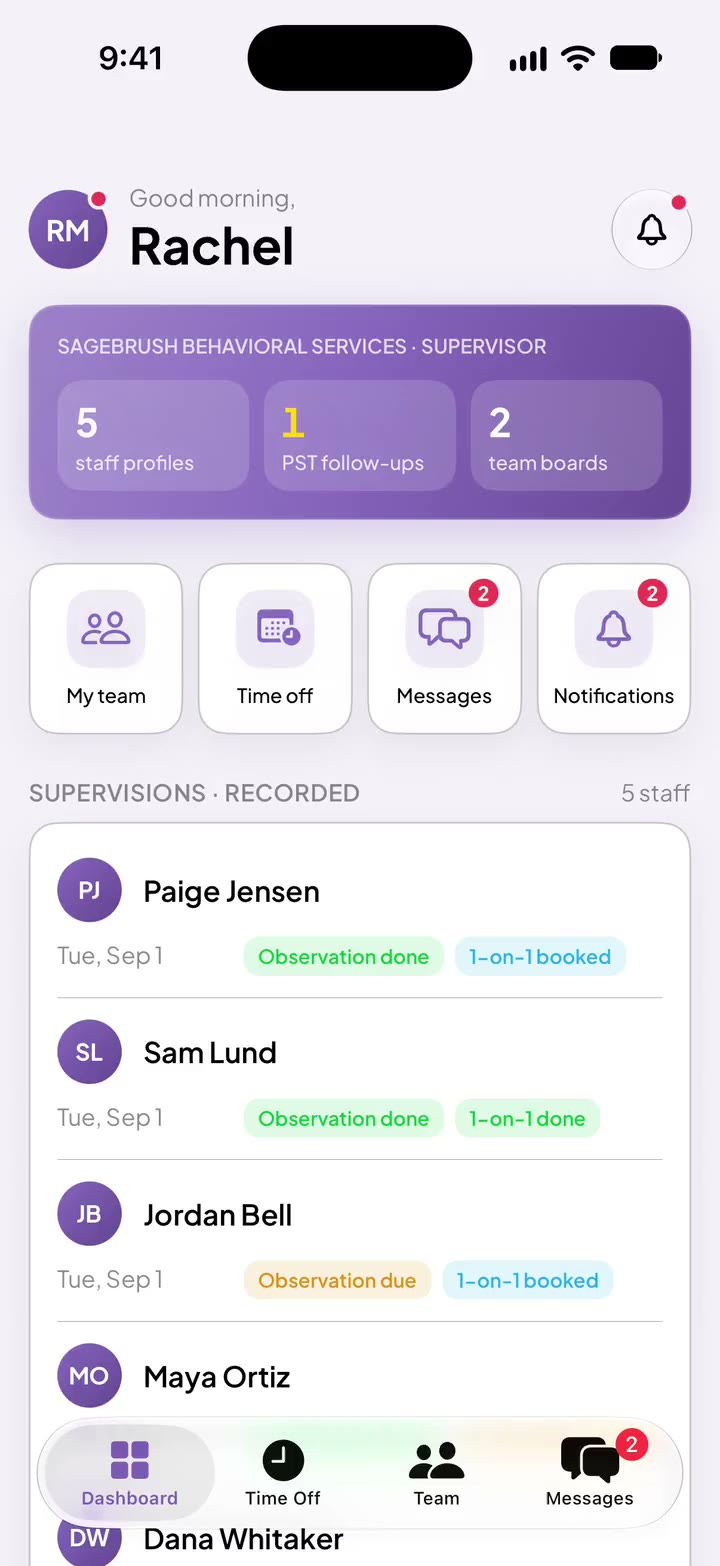
Clinical director · Thursday 9:03 AMIs everyone's supervision done this month?

One look at the whole team.

Observation done or due, and each 1-on-1 booked or held, for every BI.

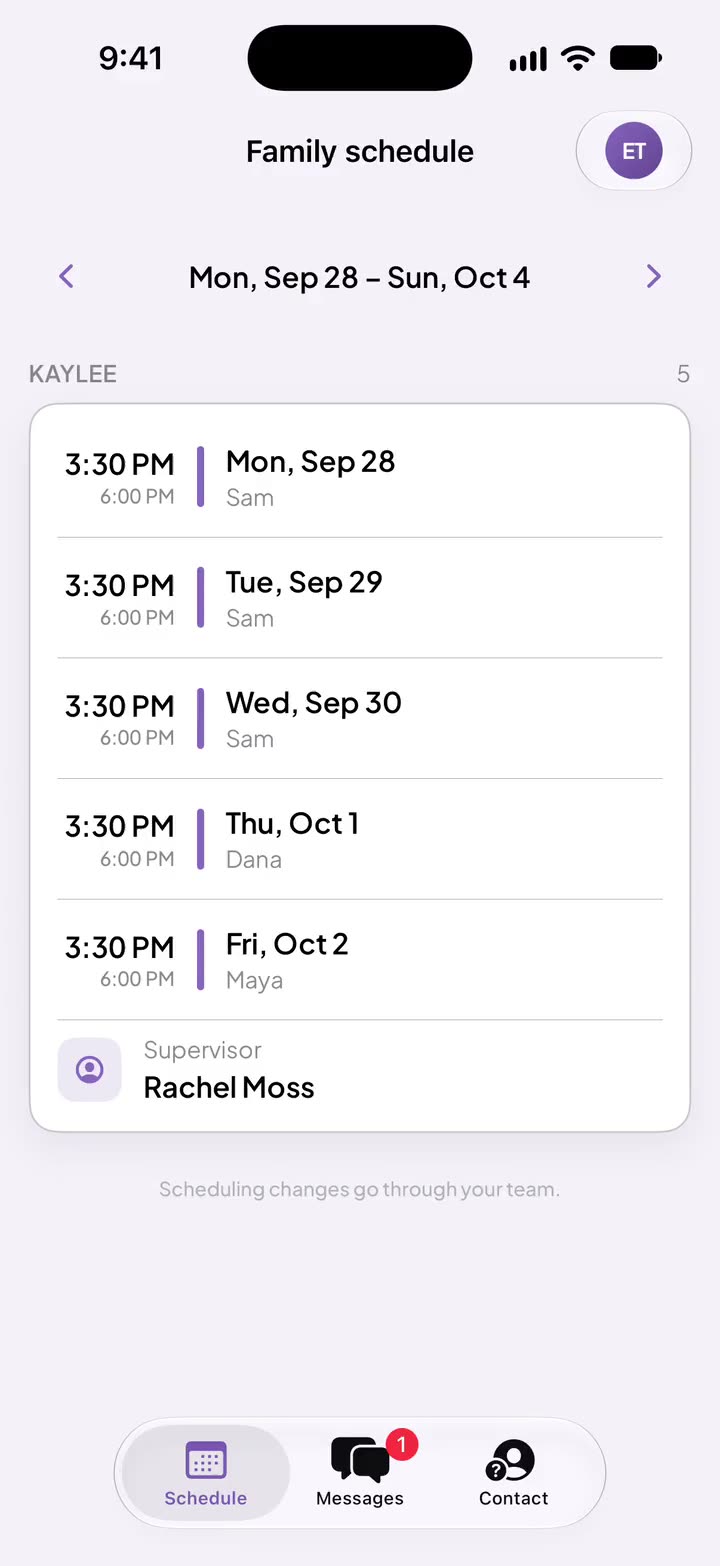
Erin, K.T.'s mom · Tuesday 7:15 AMWho's coming today? I saw Dana was sick.

She can already see it's Sam.

Families see their own child's week, updated when a session changes, and can message your team.

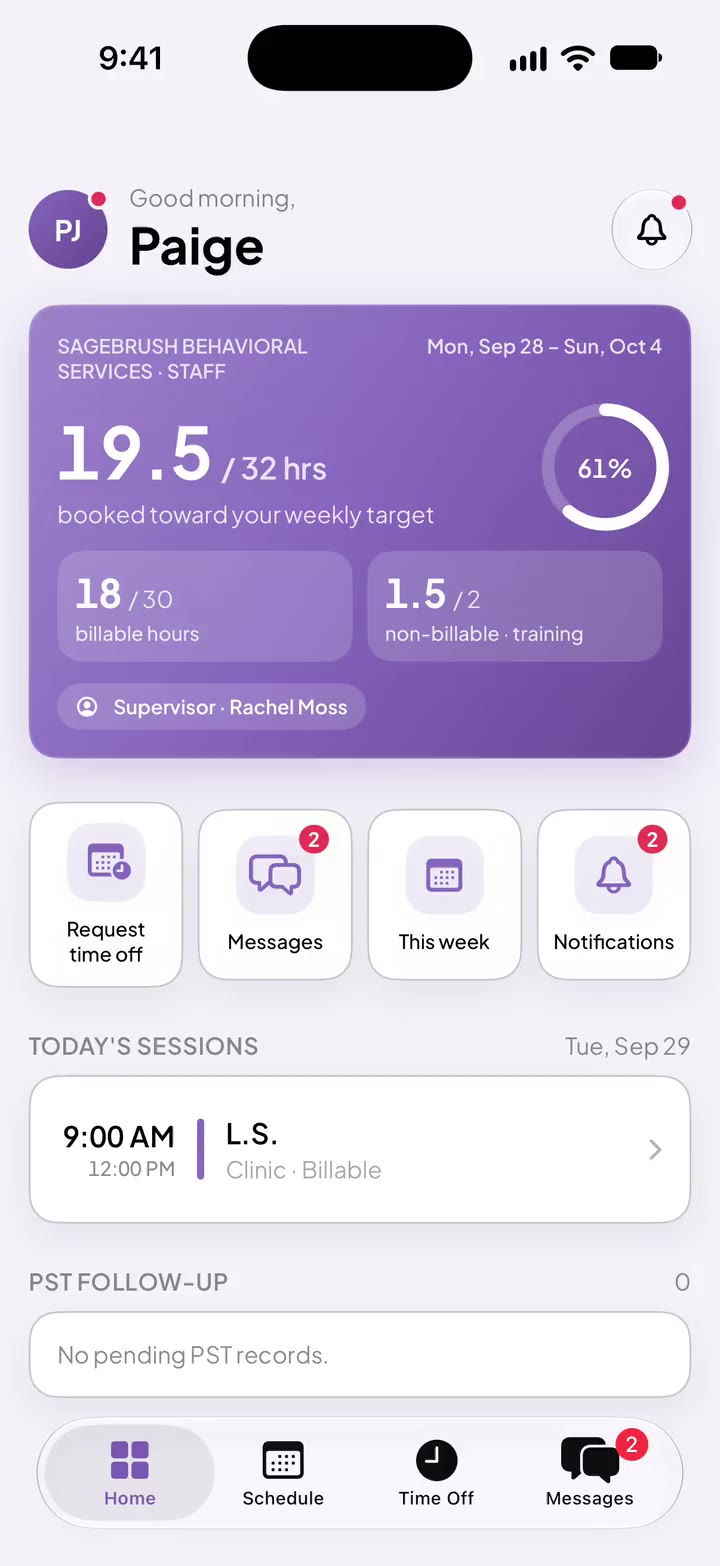
Paige · Tuesday 7:40 AMDid I get J.R. today? How many hours am I at?

It's on her Home screen.

Today's sessions and her hours toward her weekly target.

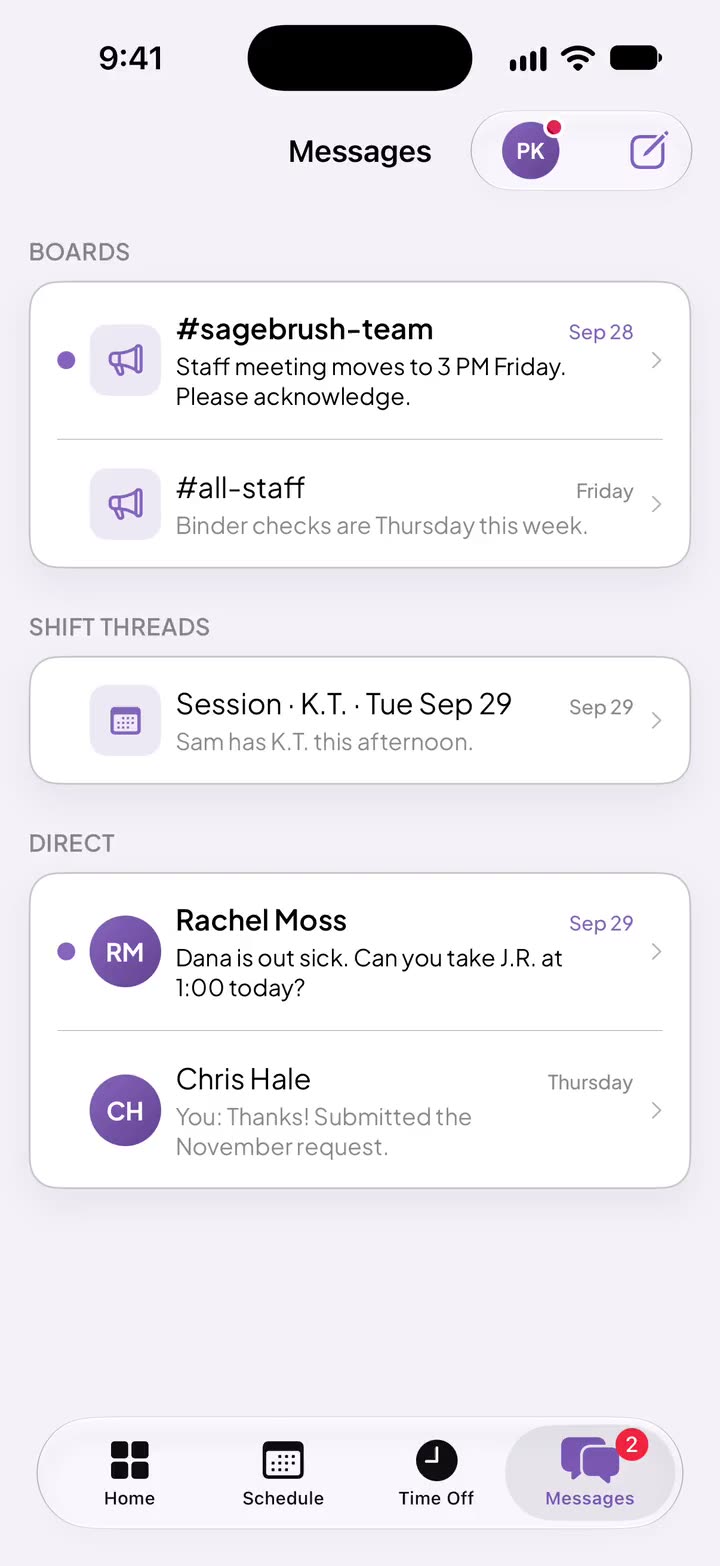
Rachel, supervisor · Tuesday 7:02 AMDana is out sick. Can you take J.R. at 1:00 today?

Paige answers from her phone.

Every message shows when it's delivered and read, on the web and iPhone.

You · Tuesday 7:30 AMIs L.S.'s treatment plan still current?

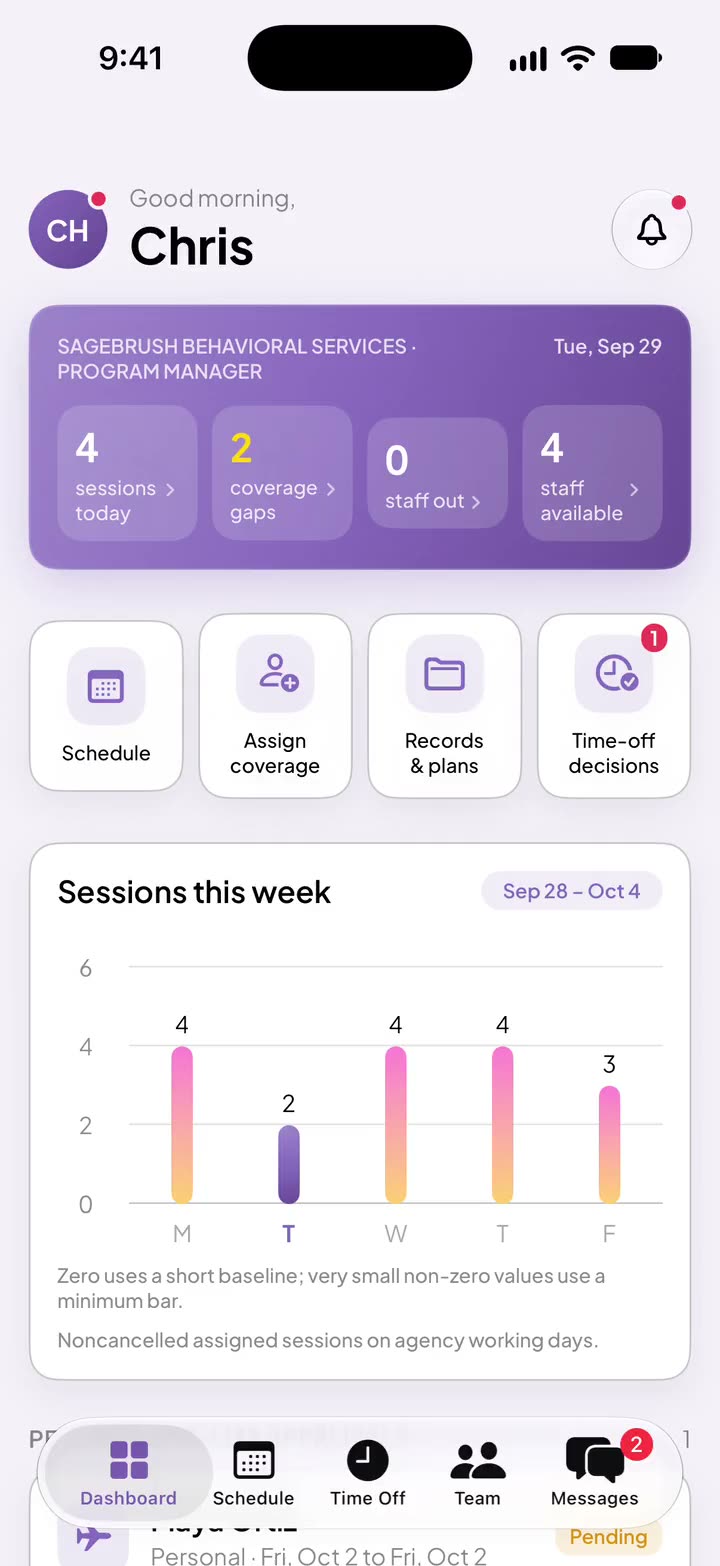
Twelve days left, and it's on your dashboard.

Pairing flags a plan 30 days out. An expired plan stops new sessions for that child.

You · Monday 7:30 AMWhat does this week look like?

Every session for every child, with the open ones in red.

The weekly schedule is where a scheduler's day starts.

Which of these texts costs you the most time?

Tell us. It shapes what comes next in Pairing.

Tell us about your agency